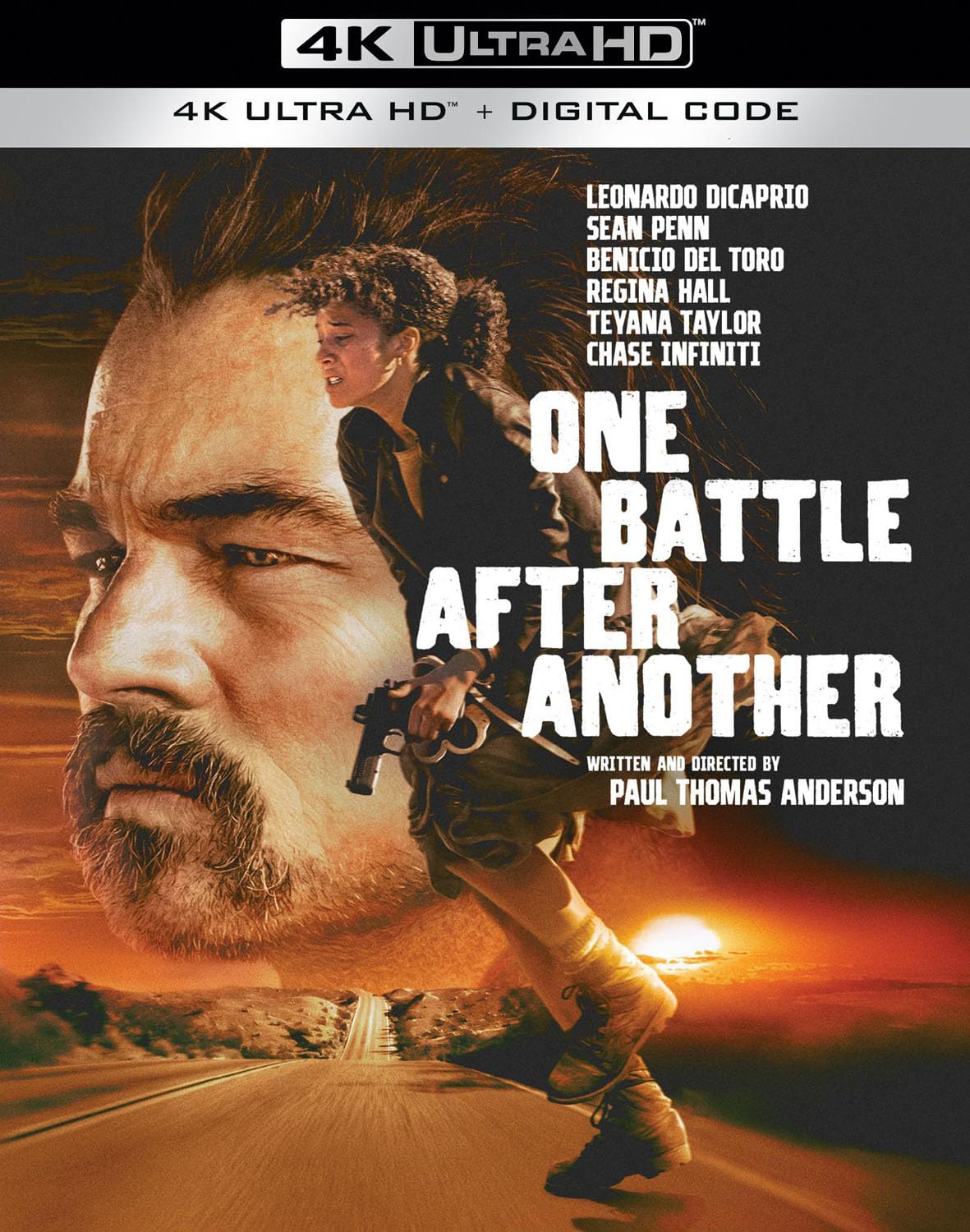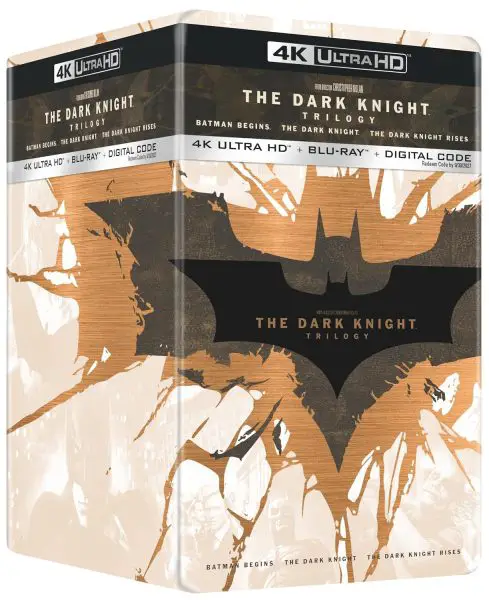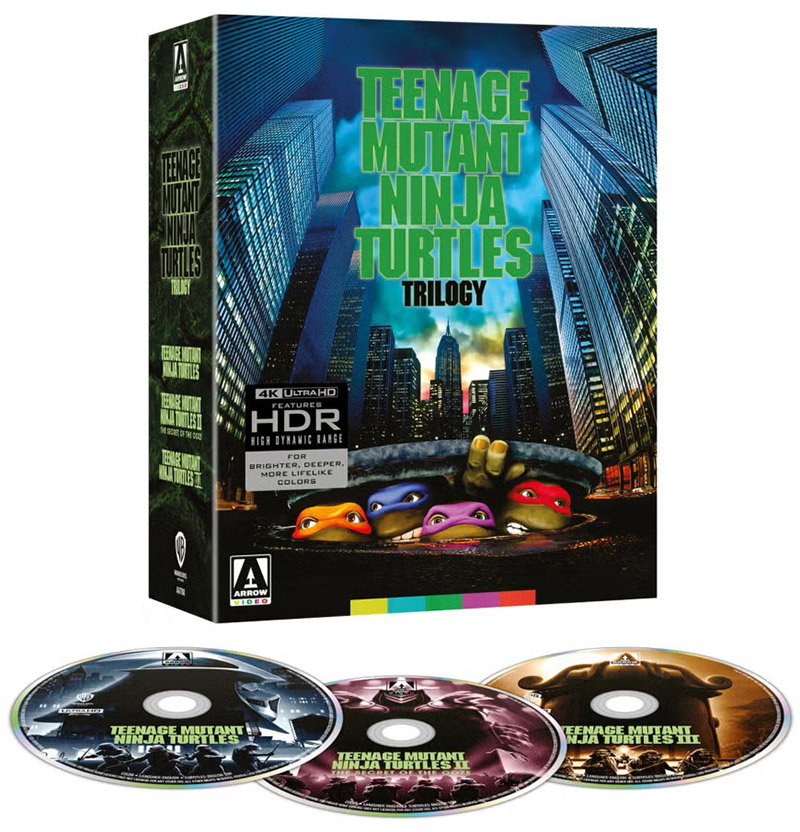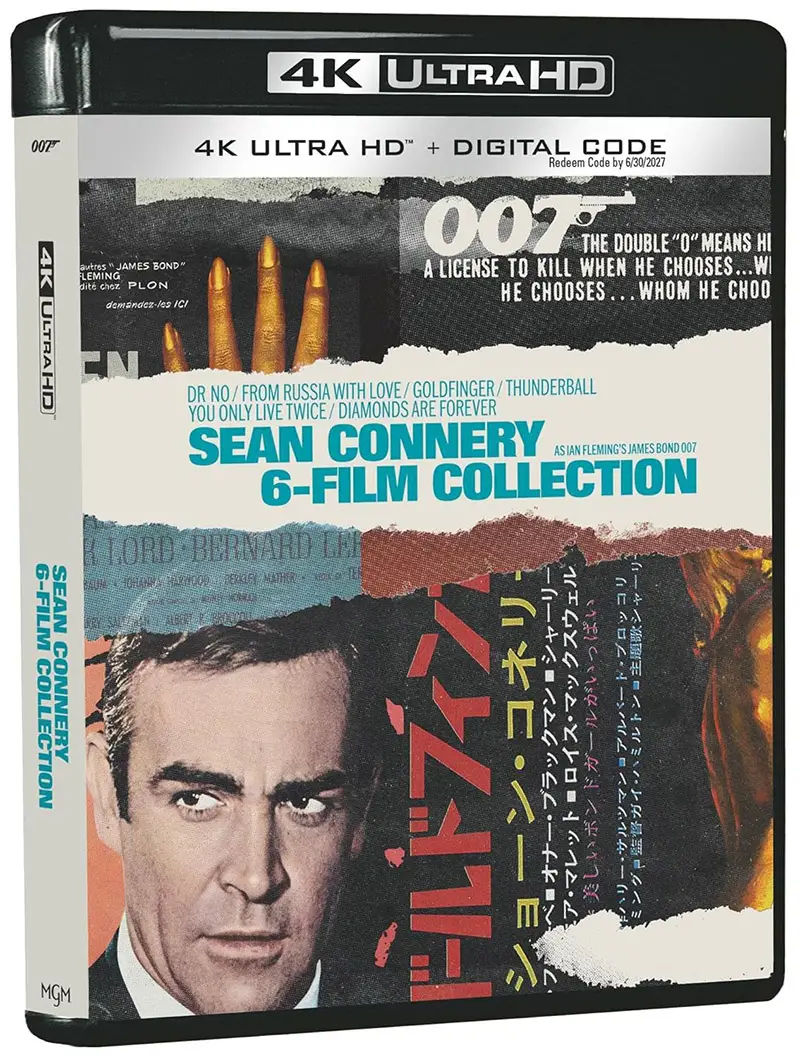

Back in the day, Vudu started a process called “Disc to Digital” that allowed DVD and Blu-ray owners to convert discs to digital ownership. Vudu launched its disc to Digital to Digital service in 2013, but was rebranded Fandango at Home in 2024.
Fandango at Home has kept the service available at fandangoathome.com/disc, but it’s not as front and center as it was back when Vudu launched app support in 2013. And, you won’t find the service on the Fandango at Home apps for iOS or Android.
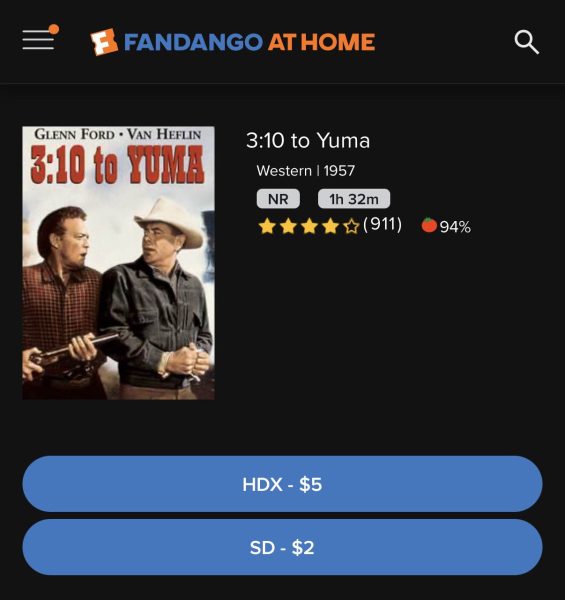
As of today, the Disc to Digital service does not support 4k, only HDX (1080p) or SD (480p). There are thousand of eligible titles (see a list here) but also thousands of ineligible The disc to digital service allows these types of conversions at different prices.
Conversion Cost
- Blu-ray to HDX
$2+ tax - DVD to SD
$2+ tax - DVD to HDX
$5+ tax
What They Don’t Tell You
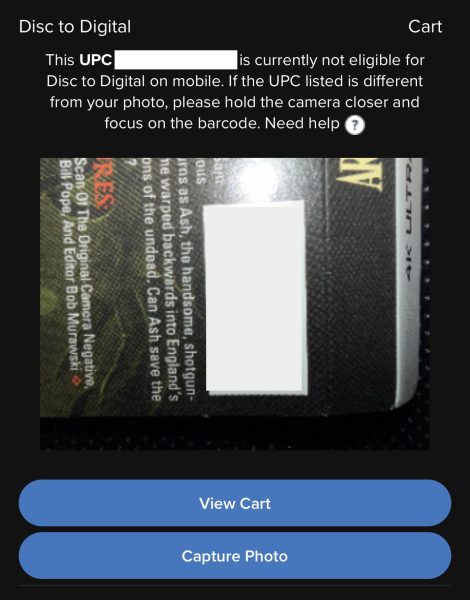
- Many disc titles are not eligible for Disc to Digital.
- You need to be in a web browser (not app) on a PC, tablet, or phone.
- When you take the photo, you should capture the barcode (usually next to the Proof of Purchase).
- Sometimes the photo will not convert. So, try it again and maybe closer.
- Fandango at Home says users can only convert a limited number of discs each year, but does not give a specific number.
How To Convert
Convert on Android
- Visit https://www.athome.fandango.com/disc (on your mobile device)
and click Convert Disc - Sign in or sign up (It’s free!)
- Allow app permissions
- Scan, convert, and watch instantly
Convert on iOS
- Visit https://www.athome.fandango.com/disc (on your mobile device)
and click Convert Disc - Sign in or sign up (It’s free!)
- Allow app permissions
- Scan, convert, and watch instantly